Click to switch to German version

Whitelabel testing and proctoring software for language testing and education

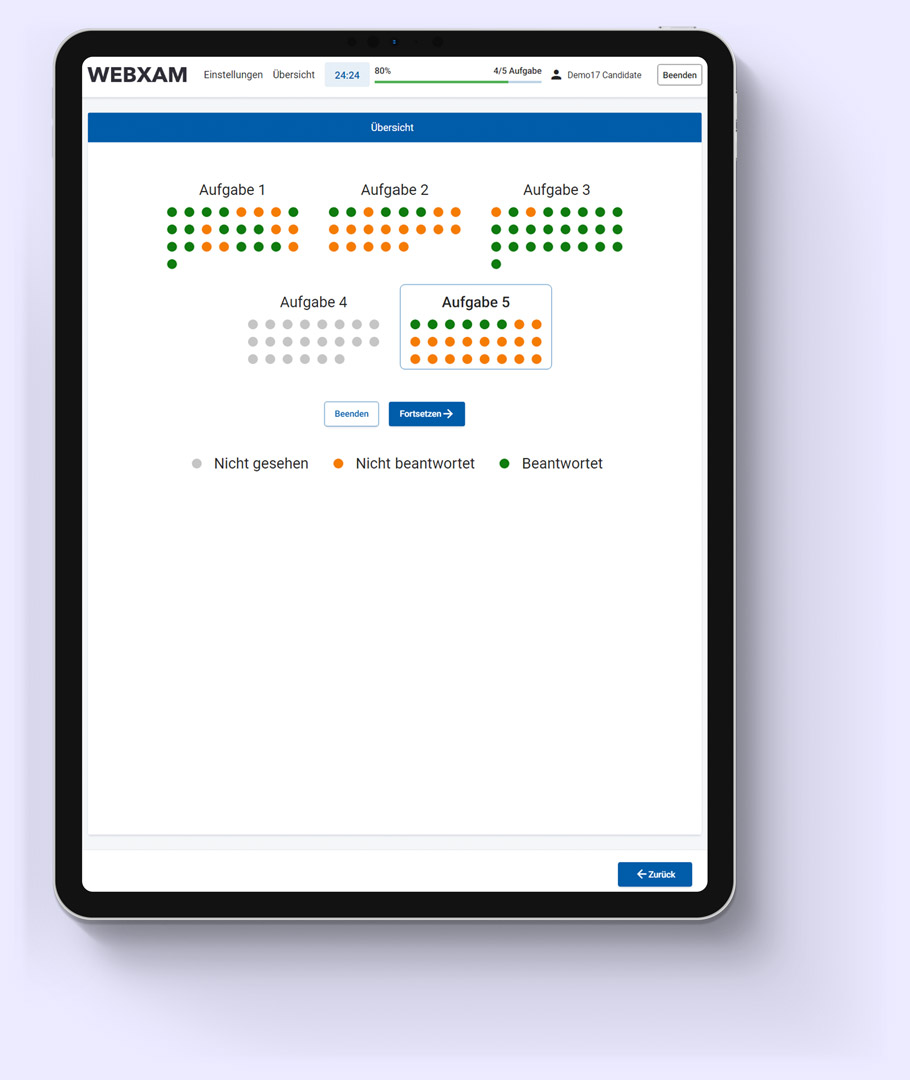
Computer adaptive language testing

Browser based computer adaptive language assessment. The aim of the test is to measure the language level of candidates in an easy, automated and efficient way. Possible target groups: companies, language schools, universities.

Test specifications

  • Available test languages: English, German, Spanish, French, Italian
  • Contains a database with 250 questions per language
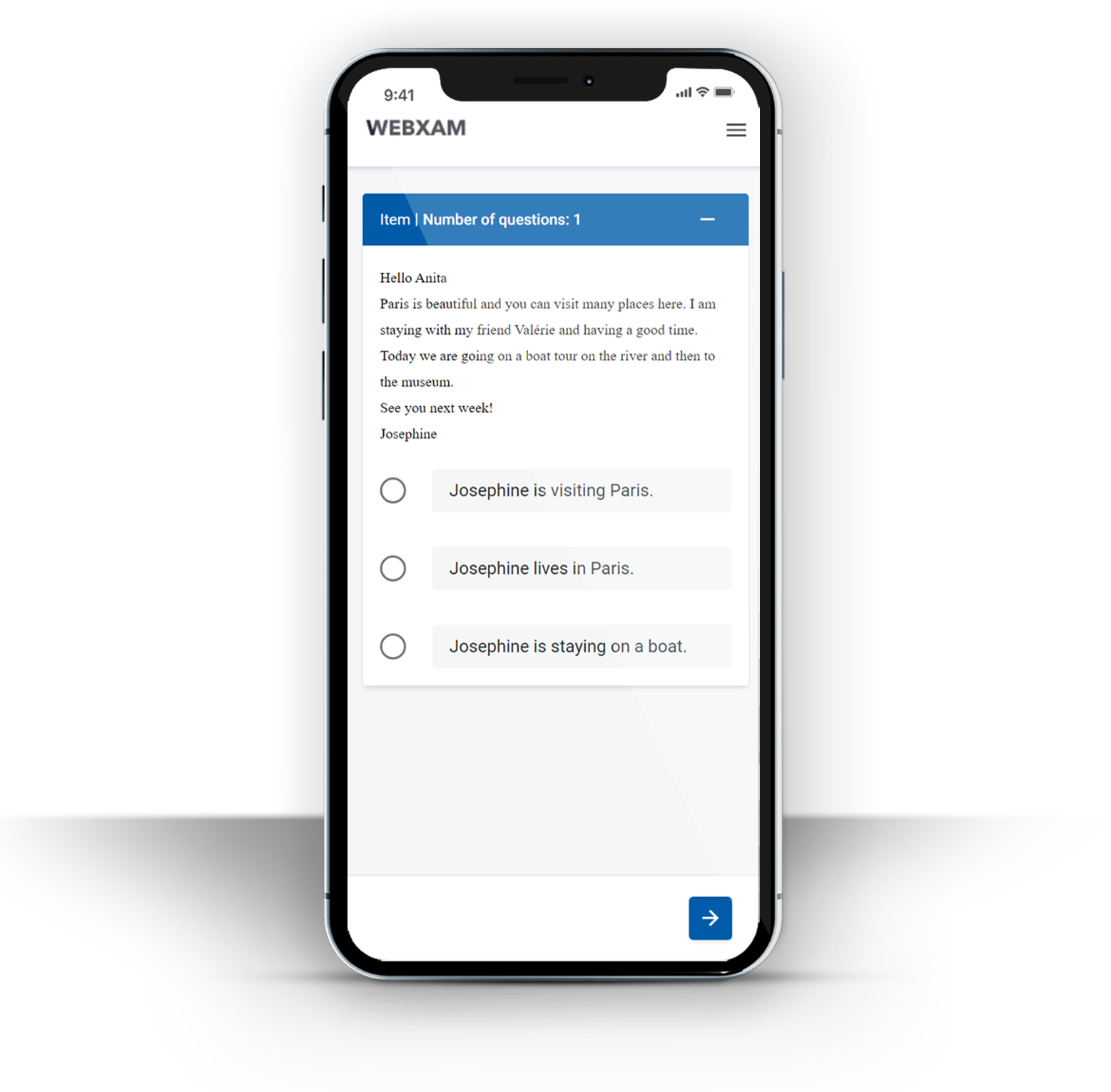
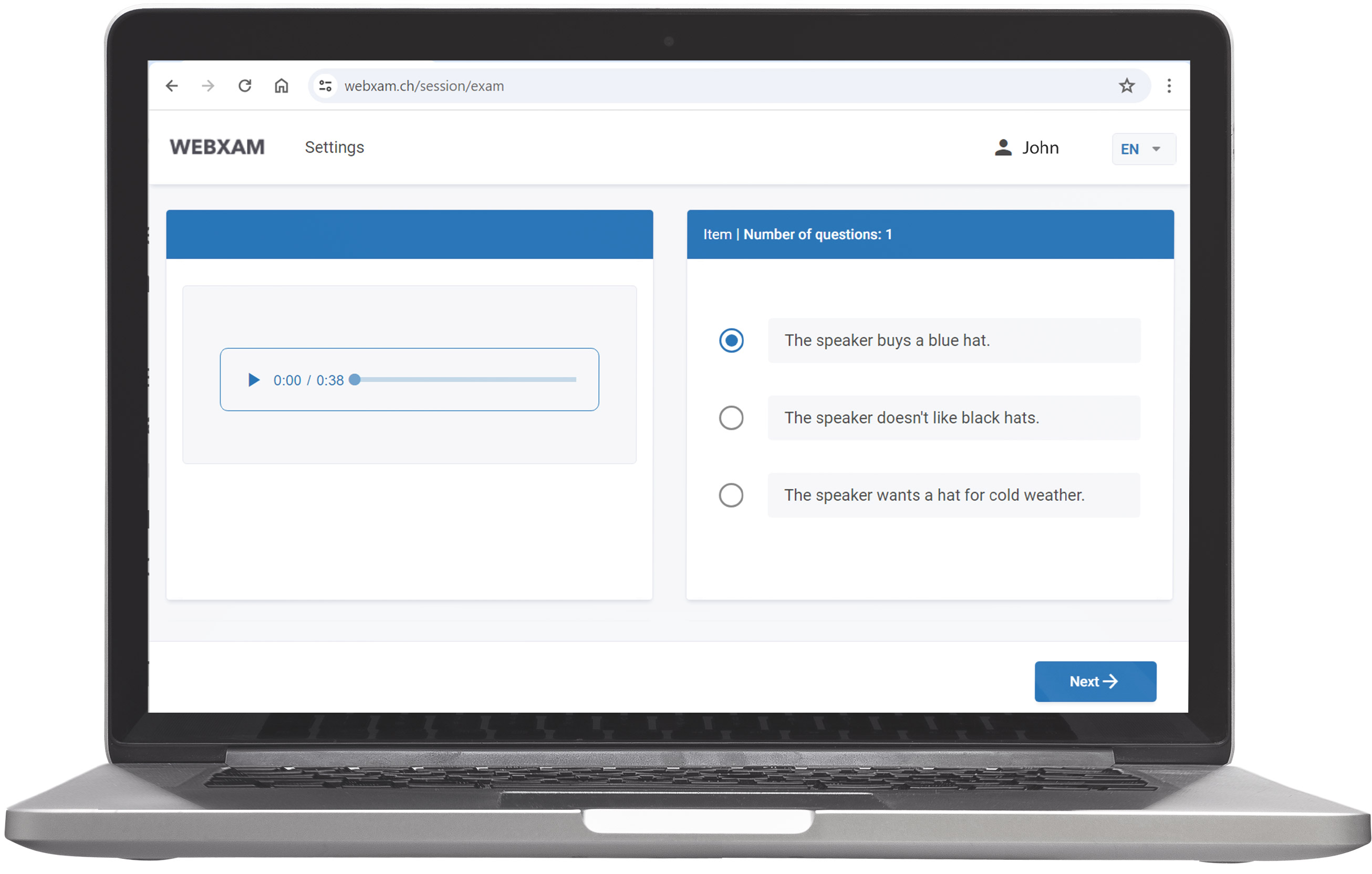
  • Contains following question types: single choice (100 tasks), completion (125 tasks), pair (25 tasks), including reading and listening task types modes
  • The test is compliant with the Common European Framework of Reference for Languages (CEFR), on following levels: A1, B2, B1, B2, C1, C2, with each level divided to 3 sub-levels (eg. A1.1, A1.2, A1.3) for higher accuracy
  • Computer adaptivity - Is a new form of testing that varies the difficulty, level, and order of questions that get asked depending on the examinee’s performance within the test.
Technical specifications

  • Optimized for all modern browsers: Chrome, Firefox, Edge, Safari.
  • Multi-language support
  • Easy integration to any existing website and individualization
  • Automated and on the spot evaluation
  • Optional examine registration
  • Test completed by 500K+ applicants

Available Demo

Digitalized governmental language testing, focusing on Swiss Canton based language testing

Used case: Complete digitalization of German language testing activities of “Zürich Office for Labour”. (Click here for more info)

Components

  • C-Test: Online responsive, browser based, automated self test
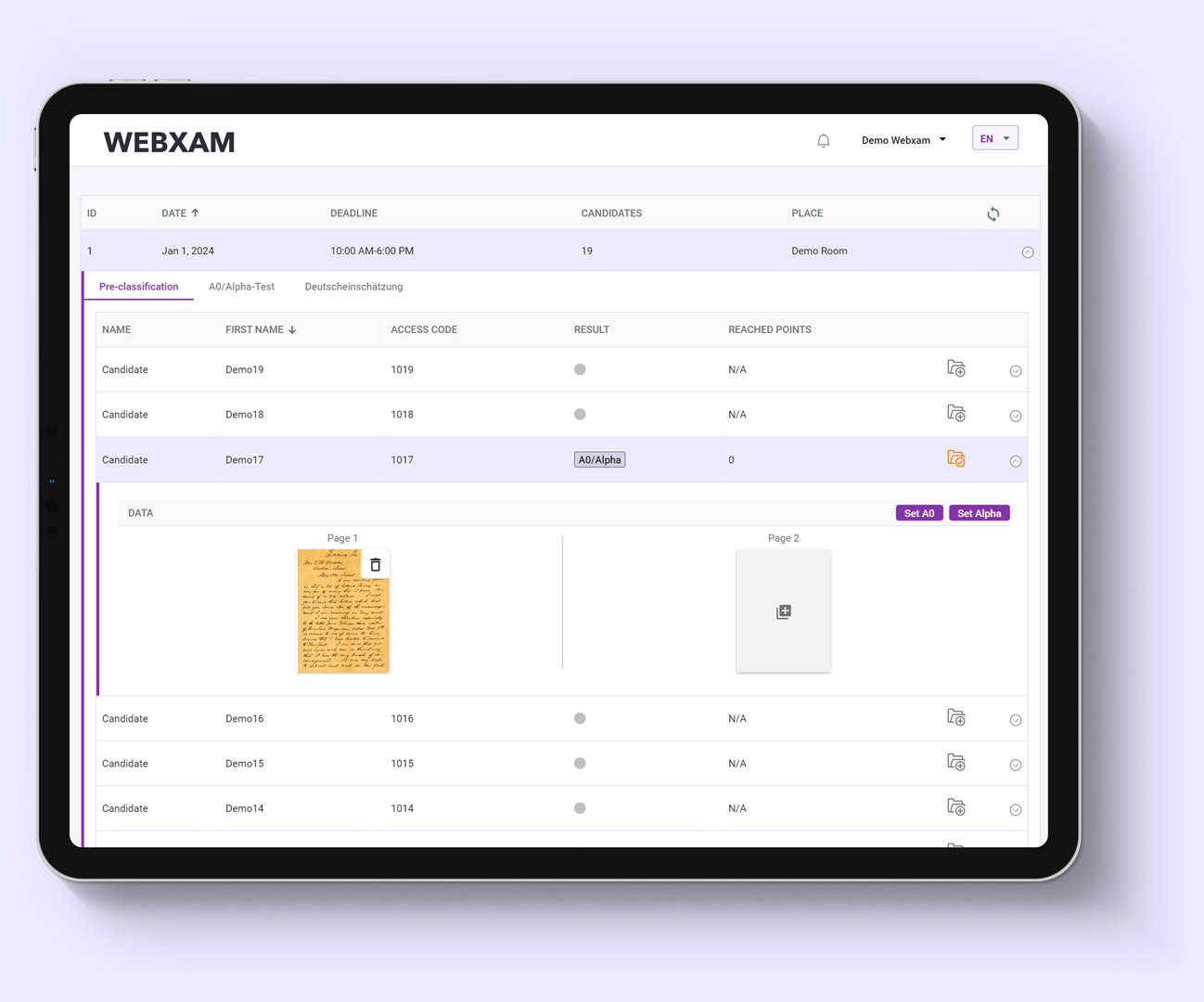
  • Pre-classification test: iPad based placement test
  • A0/Alpha test: iPad / paper based literacy test
  • Language assessment: 4 complete language tests on following levels A1/A2; A2/B1/B1; B2/C1, each one for 4 competencies: listening, writing, speaking, reading

Technical specifications

  • Authentication / applicants administration
  • iPad app for instructors to control, monitor and administer tests & examinees
  • Optimized for all modern browsers: Chrome, Firefox, Edge, Safari
  • Easy integration to any existing website and individualization
  • Candidate identification using iPad app
  • Automated correction
  • ~ 10K candidates / year

Test specifications

  • Methodology and test developed by Language center of the University of Leipzig, test development lead by Prof. Dr. Olaf Bärenfänger
  • The test is compliant with the Common European Framework of Reference
  • For each language skill (listening, reading, writing, speaking) the result is determined in detail at sub-levels (A1.1, A1.2, A1.3 etc.) of the GER levels.
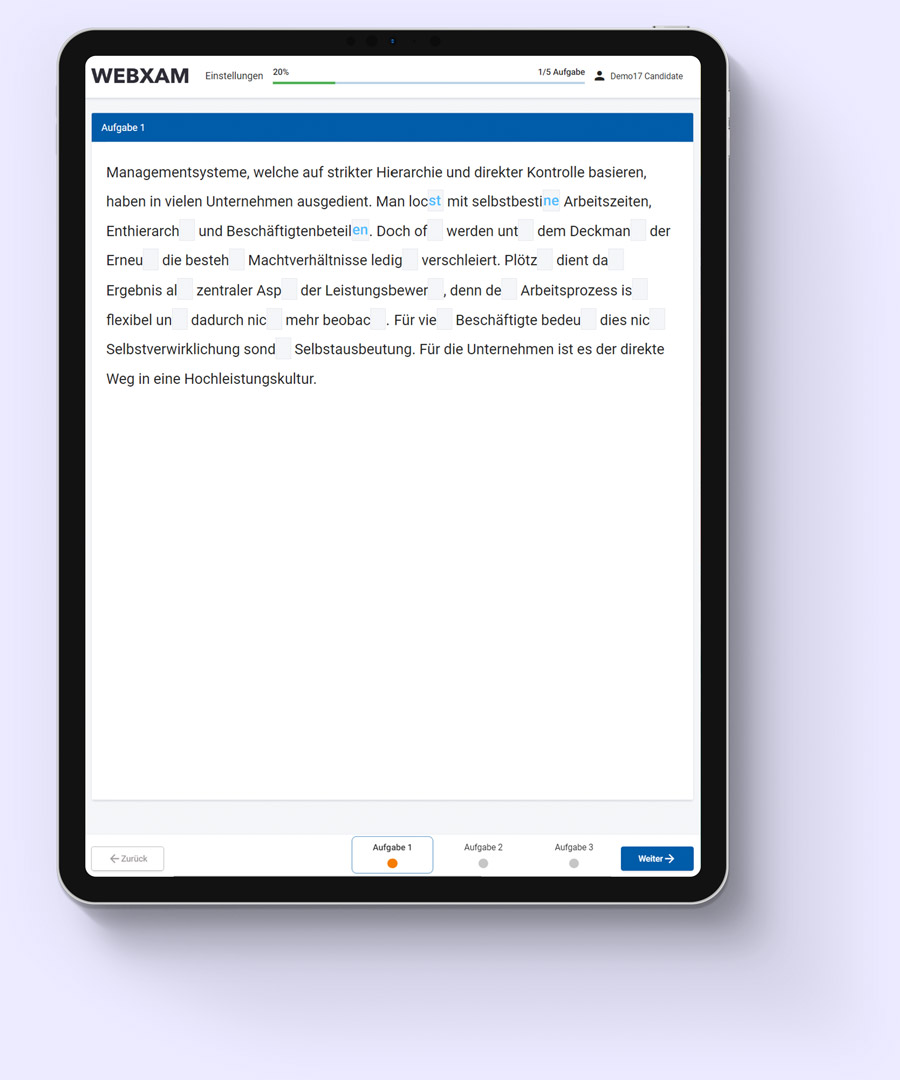
  • Question types: Completion and Single Choice

European accredited language exam based on the Common European Framework of Reference for Languages

European accredited online CEFR complex computer based language exam for German and English on A2, B1, B2, C1 levels. Participants can complete a language exam, securely from their homes.

Test specifications

  • Developed by Institute of English and American Studies of ELTE University
  • Question database of ~ 2000 tasks & 120 complete exams
  • A2, B1, B2, C1 levels supported
  • 15K+ accredited language exams taken
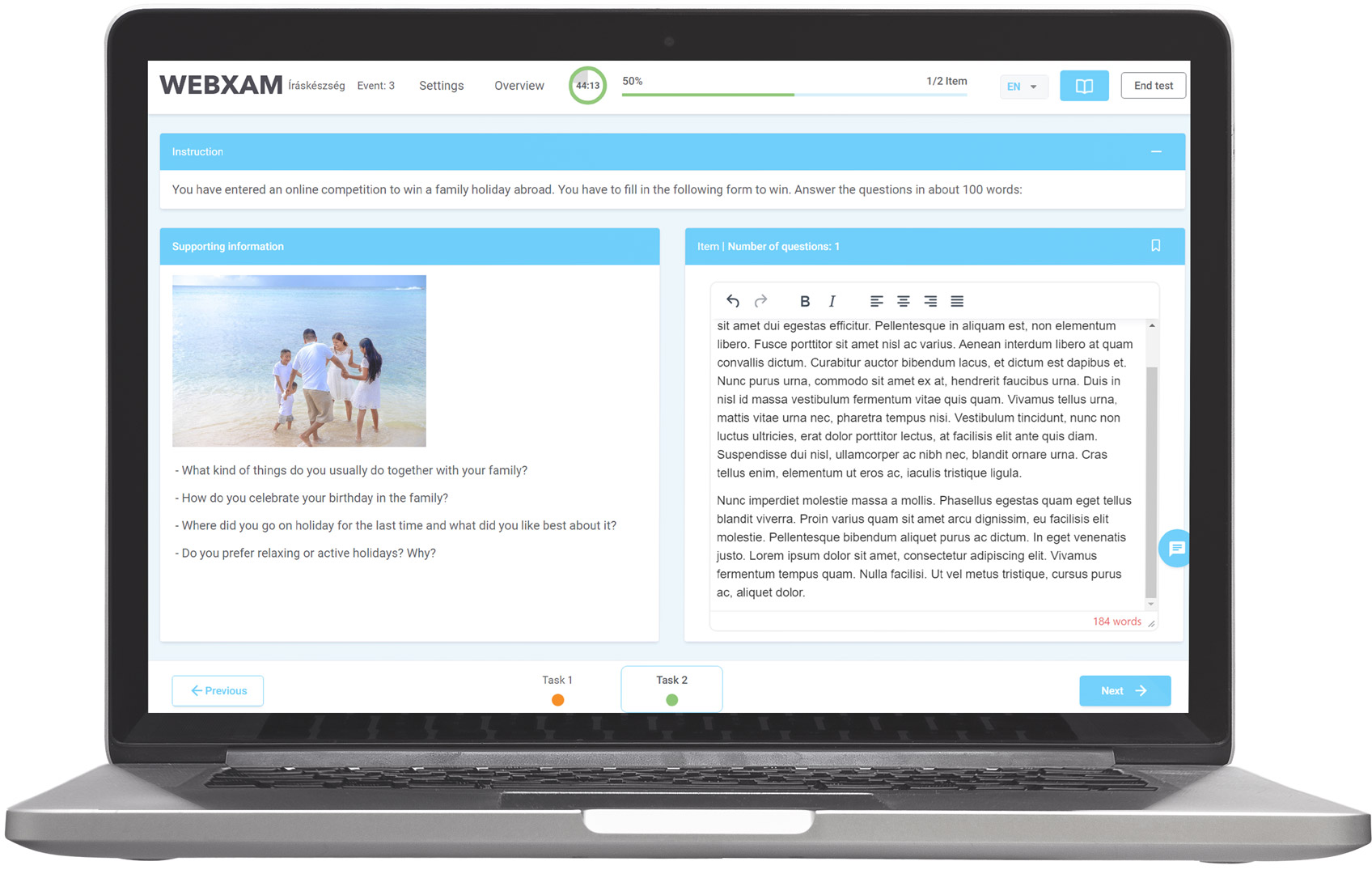
  • Measurement of reading, writing, listening and speaking competencies completely digitally automated without human involvement
  • Completion takes ~ 120 mins
  • Single choice, True-false, Letter writing, Completion, Item-pairing, microphone answering task types
  • Results and evaluation is weighted and balanced using the IRT Rasch Model (Winsteps Facets integration)

Technical specifications

  • Complete automation and digitalization
  • Browser based exam
  • On site testing in dedicated computer labs
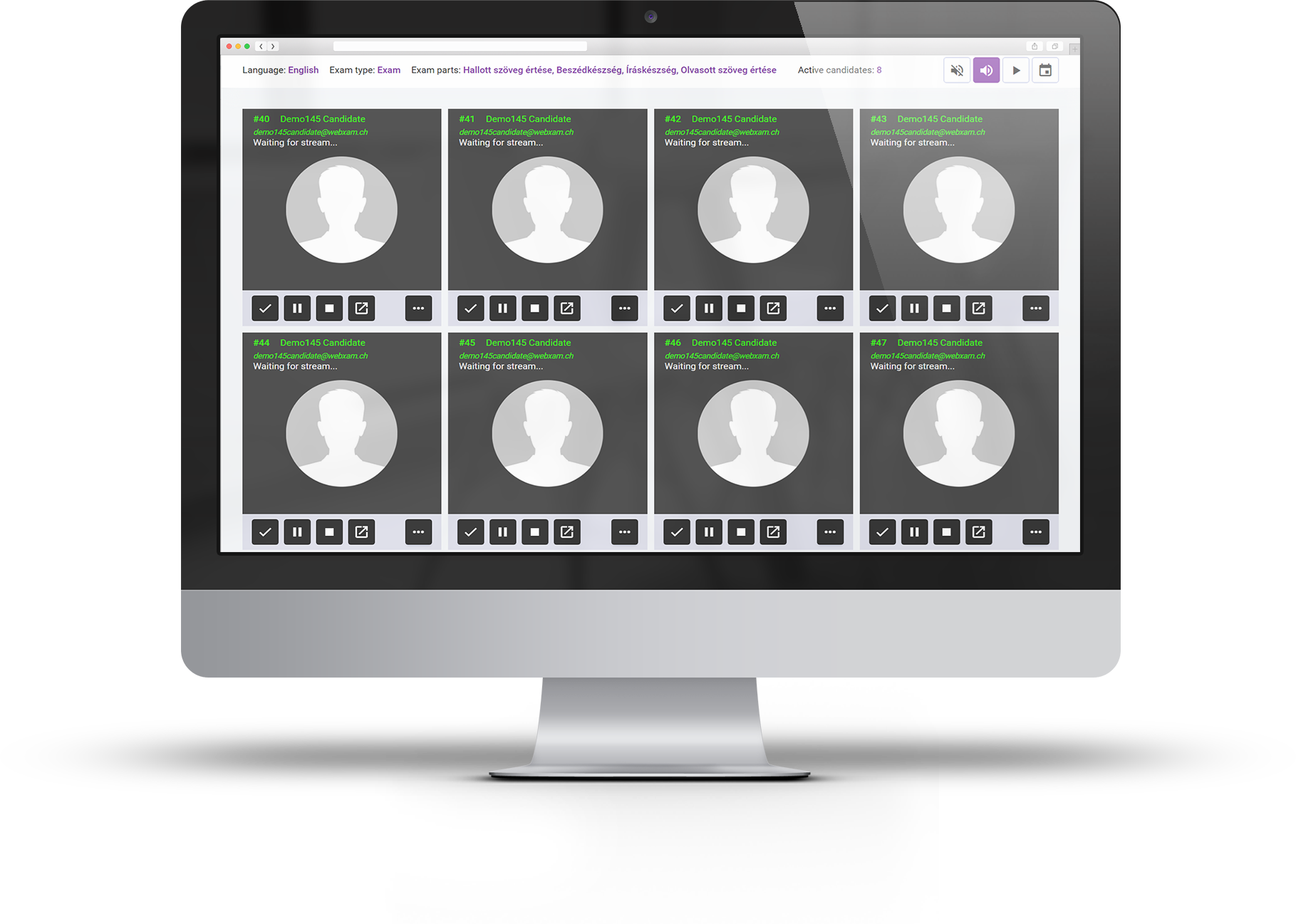
  • Online exams with personal proctoring
  • Online exams, automated with AI proctoring, without human involvement
  • No data loss - constant synchronization with data centers
  • Self hosted options

Available demo

Please check this a bit later, as this function is under construction.

Please click on the target platform or scan the QR code on your device to download the application:

Android
qr code
iOS

qr code

When the application is installed, please proceed to the Candidate area, where you will see instructions how to use the application.
To access candidate area, please download the desktop application to your preferred platform:

Windows
MacOS

After the software is downloaded and installed, use the following credentials to access an exam:

Login: candidate@webxam.ch
Password: exam

Note: You may need to allow untrusted softwares on your operating system to install the demo applications above.

Click here to open the proctoring area

Please use the following credentials to log in to the proctoring area:

Login: admin@webxam.ch
Password: proctoring

Please download the Demo Application through TestFlight to an Apple iPad device:

qr code
Open App in TestFlight

In the application, please use one of the following User IDs to authenticate as a candidate (note: they can be used once):

1001 1002 1003 1004
1005 1006 1007 1008
1009 1010 1011 1012
1013 1014 1015 1016
Alternatively, you can use your browser to simulate the exam.

Open exam login in browser

Note: It is recommended to use the native application to achieve the best user experience.
Please download the Demo Application through TestFlight to an Apple iPad device:

qr code
Open App in TestFlight


After launching the application, click the "Adminbereich" button at the bottom of the screen, then use the following credentials to log in to the admin area as an instructor:

Login: instructor@webxam.ch
Password: instructor123


Alternatively, you can use your browser to simulate the exam.

Click here to open the instructor area

Note: Some functionality (eg. document scanner) is disabled in the browser version.